When the phone rings after closing, a small business owner has four realistic choices: let it go to voicemail, hire a human answering service, set up an AI voice assistant, or combine two of them. Voicemail works when night calls are rare and almost never urgent. A human answering service earns its cost when calls need judgment or emergency dispatch. An AI voice assistant fits when most calls are routine questions, bookings and messages. For many service businesses, a mix works best: the assistant answers first, and a clear path reaches a person when it matters.
The right choice depends less on the technology than on what your callers actually need at 9 p.m. on a Saturday. A dental office mostly fields rescheduling requests. An HVAC company in January fields "no heat" calls that cannot wait until Monday. Once you know which calls you actually get, matching coverage to them gets a lot simpler.
This guide compares each option for an after hours answering service for small business, walks through a hypothetical HVAC setup, and covers what to do when a caller needs something an AI can't answer. For more on nights, weekends and holidays, see our guides on after-hours coverage.
Start with what actually happens after hours
A good plan starts with data, not a sales demo. Before you pick anything, pull a month of the calls that came in outside business hours and sort them into four groups:
- New customers who want to book or get a quote.
- Routine questions like hours, service area or what a visit costs.
- Existing customers with a change, a billing question or a follow-up.
- Urgent problems that can't wait until morning.
The mix tells you what you need. Mostly routine calls point toward automation. A steady share of urgent calls means you need a reliable path to a person, whatever answers first.
Option 1: Voicemail
What it handles well: It costs little and is quick to set up. It works for businesses that rarely get after-hours calls and almost never get urgent ones.
Where it falls short: Voicemail puts the work on the caller. Some people won't leave a message, especially with an urgent problem, and simply call the next business on their list. Messages pile up until someone checks them, and nobody gets booked overnight.
Make it better: Pair voicemail with Missed Call Text Back. A workable setup waits a minute or two after the missed call, sends one text per caller per day, and skips calls your team already handled. The text comes from a number on your account that's registered to send texts, and it gives the caller a way to reply, book online or get your emergency instructions.
Option 2: A human answering service
Strengths: A trained person brings judgment and empathy. Human operators can calm an upset caller, follow a detailed dispatch script and handle unusual situations that don't fit a pattern.
Trade-offs: If a service prices by the minute or by the call, costs grow with call volume. Operators answer for many businesses, so they may not know your services well. Messages can arrive incomplete, and during busy stretches callers may wait on hold. Many services also can't book directly on your real calendar.
What to ask a service: How do messages reach you, and how fast? Can they follow your emergency rules exactly? Can they book appointments, or only take messages? Who listens when something goes wrong?
Option 3: An AI voice assistant
What it handles well: An AI voice assistant picks up right away, day or night, and answers consistently from the information you provide. In Corevo CommandCenter, Voice AI can answer during set working hours, after hours, weekends and holidays. It can answer common questions, save the caller's details, book appointments on your calendar, transfer the call to a person under conditions you define, and log the call. After the call, a workflow can send follow-up messages or create tasks for your team.
Where it falls short: It only knows what you've taught it. Calls that need real judgment, negotiation or empathy for a stressful situation are better with a person. Some callers simply want a human, and the assistant should be able to connect them or arrange a callback when they ask.
Ground rules: The assistant should introduce itself as an AI assistant at the start of the call. If you record calls, recording rules vary by state and often require consent or disclosure. This isn't legal advice, so check the rules where you operate.
Option 4: A mix
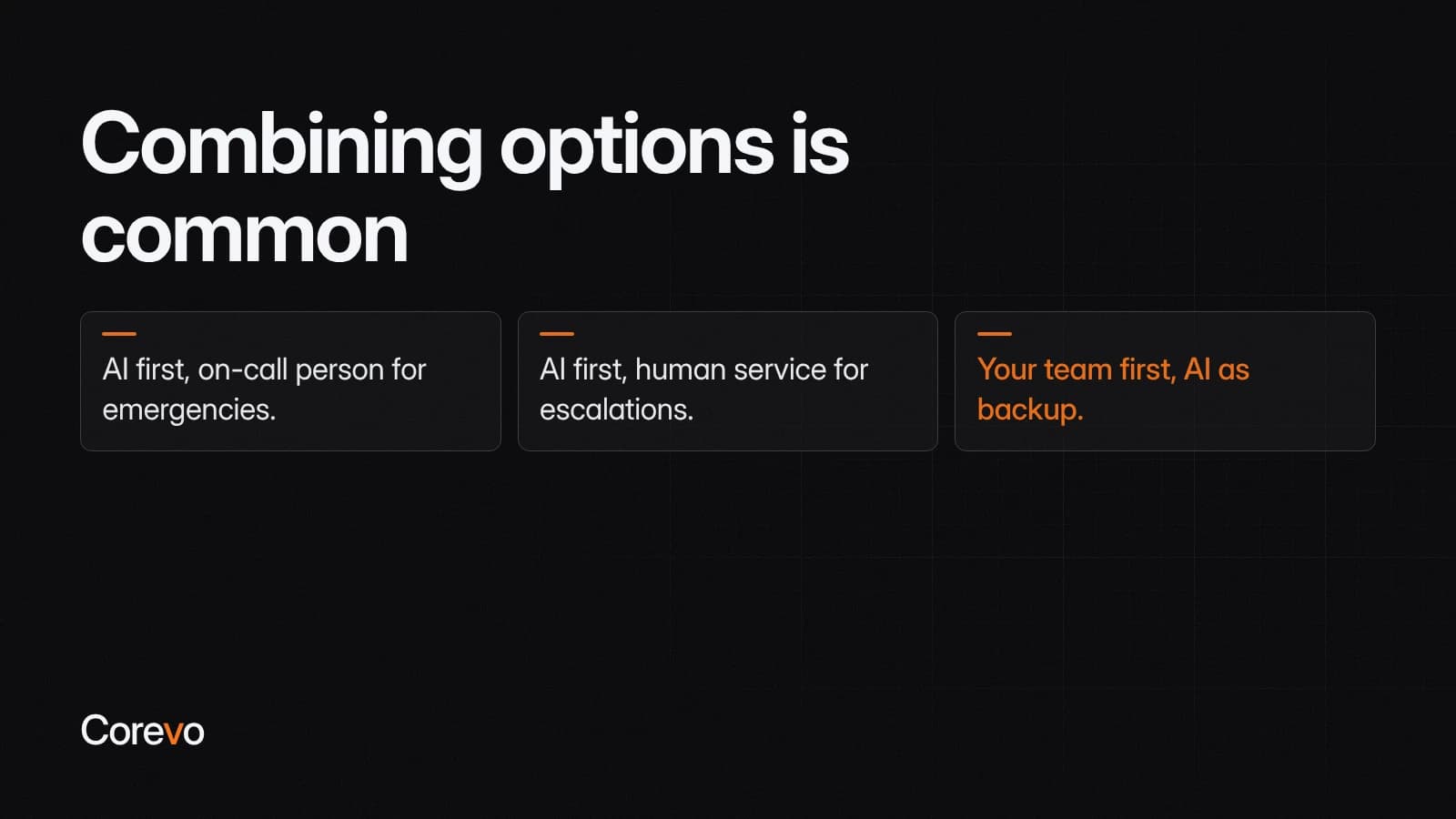
Combining options is common, and for a business with both routine and urgent after-hours calls, it's often the most practical answer. Common patterns:
- AI first, on-call person for emergencies. The assistant answers first, books what it can and transfers urgent calls to your on-call number.
- AI first, human service for escalations. The assistant handles routine calls, and calls that need judgment go to a human answering service.
- Your team first, AI as backup. During business hours, calls ring your staff, and the assistant picks up when nobody answers. After hours, it answers directly.
| Voicemail | Human service | AI voice assistant | Mix | |
|---|---|---|---|---|
| Answers live | No | Yes | Yes, when configured for it | Yes |
| Books on your calendar | No | Sometimes | Yes | Yes |
| Handles emergencies | Only by callback | Yes, with a script | Transfers to a person | Through a person |
| Multiple calls at once | No limit, but no help | Can mean hold times | Ask how many it can take at once | Depends on the setup |
| Judgment calls | No | Yes | Limited | Yes |
Example: a hypothetical HVAC company's nights and weekends
If you're weighing an hvac after hours answering service against an AI voice assistant, this hypothetical weekend for a small heating and cooling company shows the difference. It's an illustration of how the pieces could fit together, not a specific client's results.
At 8:40 p.m. on Friday, a homeowner calls because the furnace stopped and the house is getting cold. The assistant answers, introduces itself, collects the address and the problem, and flags it as urgent based on the company's written rules. It transfers the call to the on-call technician's number.
Suppose the technician doesn't pick up right away. In a tested setup, an unanswered transfer triggers a text alert to the technician and a backup number, plus a task for the office manager, so a person can follow up quickly instead of the caller being left on hold or hanging up.
At 9:15 p.m., another homeowner calls about scheduling a spring AC tune-up. The assistant books it on the calendar for the following week, and the customer gets a confirmation text.
On Saturday morning, an existing customer calls with a billing question. The assistant takes the details, tells them the office will call back Monday, and a workflow creates a task for the office manager.
In this scenario, the technician only gets the call that actually needed a technician. The rest are handled or queued for the right person, as long as the rules and backups are tested before the system goes live.
When a caller needs something the AI can't answer
This is the part to plan most carefully. A caller with a real emergency who gets stuck in an automated loop will hang up and call someone else. Decide each of these before you go live:
- Write down what counts as urgent. "No heat when it's below freezing" or "water actively leaking" is clear. "Anything serious" isn't. The assistant works from the rules you give it, so write them clearly.
- Set the transfer path. Name the on-call number and a backup. The assistant can transfer to a phone number when the caller's situation matches a condition you define.
- Plan for no answer. On-call technicians miss calls. Test what happens in your setup, and make sure the caller's details still reach someone. A post-call workflow can text the on-call person and a manager and create a task, so the callback happens quickly instead of waiting until morning.
- Be honest with the caller. If no one is available, the assistant should say when they'll hear back, not promise an immediate callback that won't happen.
- Handle life-safety calls with a script. For situations that could be dangerous, the assistant should read the safety instructions your company has written and tell the caller to hang up and call 911 if anyone is in danger.
- Honor "I want a person." When a caller asks for one, transfer the call or set a specific callback time.
- Don't let it guess. If a question is outside its training, the assistant should save the caller's details for a callback instead of improvising an answer.
- Review those calls the next day. Each call the AI couldn't handle shows you what to add to its training or your rules.

How to choose: questions to ask any option
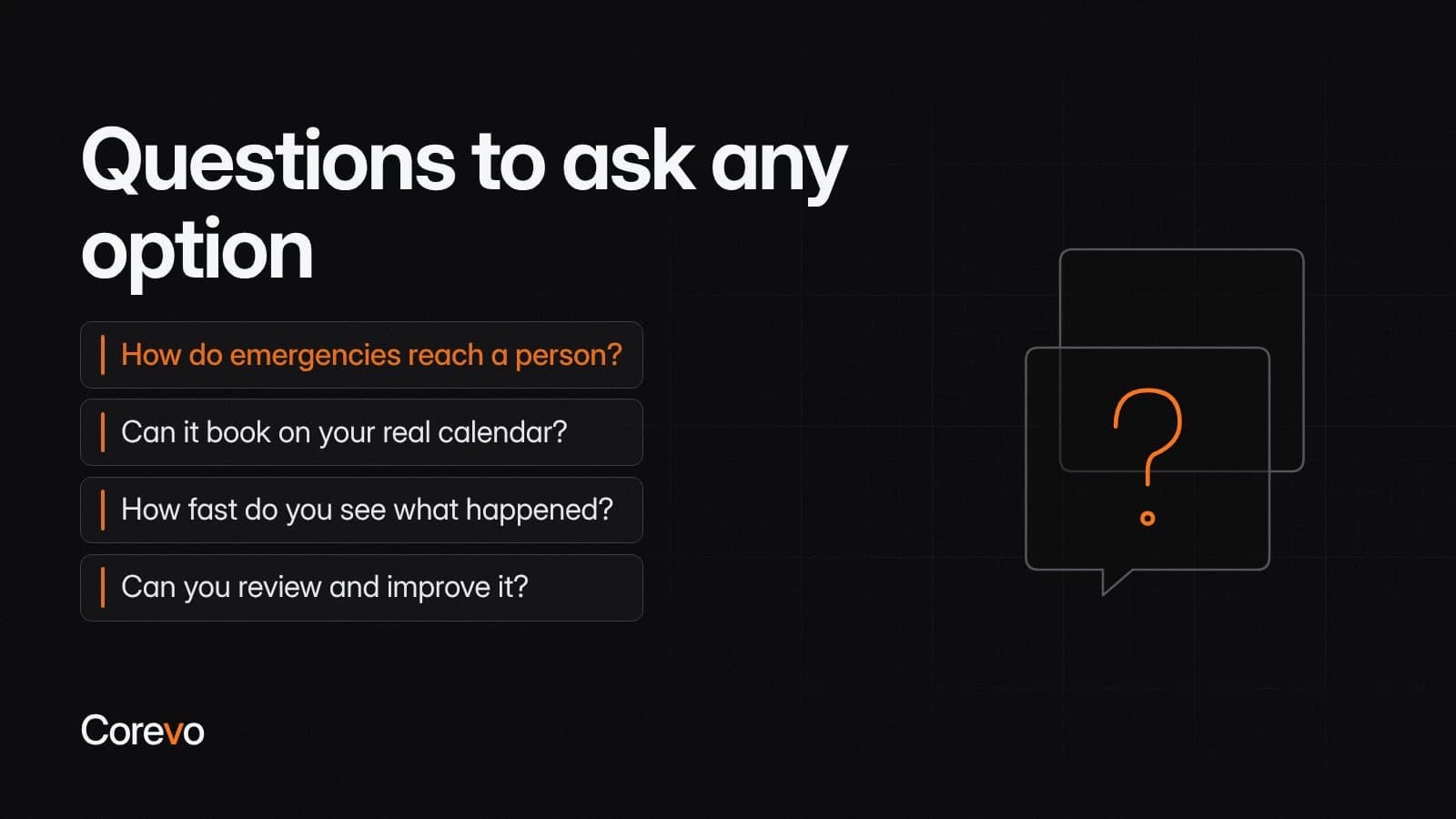
The best after hours answering service, human or AI, is the one that fits your calls and your team. Ask these questions of any option you're considering:
- Can it answer calls live under real conditions? Including when several come in close together, not just one at a time.
- How do emergencies reach a person? By transfer, by text alert or both, and with a backup.
- Can it book on your real calendar? Or does every booking turn into a callback?
- How fast do you see what happened? Messages and call details should be in one place your team checks first thing.
- Can you review and improve it? You should be able to see calls and adjust scripts or training.
- Is it upfront with callers? An AI assistant should say it's an AI.
- Does it fit your phone setup? Make sure the way calls and texts reach the system doesn't confuse callers who already know your number.
Where Corevo fits
If you want after-hours calls routed this way, with text alerts to an on-call number and bookings landing on your real calendar, Corevo's onboarding team can configure that inside CommandCenter, including the phone number and texting registration your plan requires. You can read more about what CommandCenter includes.