Illustrative scenario: it is 10:40 on a Tuesday morning at a small plumbing company. The owner is under a sink across town, the office manager is on the other line with a supplier, and a homeowner with water spreading across the kitchen floor calls the shop. The phone rings four times and goes to voicemail. The homeowner hangs up and calls the next plumber on the list.
An AI voice assistant for business is built for that moment. It answers the call, takes the details, and books the job or gets the caller to a person. Whether callers trust it depends on setup. Owners who switch one on with thin instructions and no handoff rules end up with callers who get stuck, and trust drops fast.
Unanswered calls are not a new problem. In a small 2016 study, 411 Locals monitored calls to 85 businesses in 58 industries for 30 days and found that 37.8% of calls were answered, 37.8% went to voicemail, and 24.3% got no response. It is an old, small study, not a measurement of your business, but it is a good reason to read your own call log.
This blueprint treats the assistant like a new hire. You will give it what a new employee would get, decide what it hands to a person, cover the recording and disclosure basics, run ten test calls, and review the first week before you trust it with your busiest days.
What an AI voice assistant for business does on a call
An AI voice assistant answers the calls that reach it, whether customers dial its number directly or your main line forwards to it. It listens to what the caller says and replies in a natural voice. It uses speech recognition and a language model, so callers can talk the way they normally would instead of pressing keys through a phone menu.
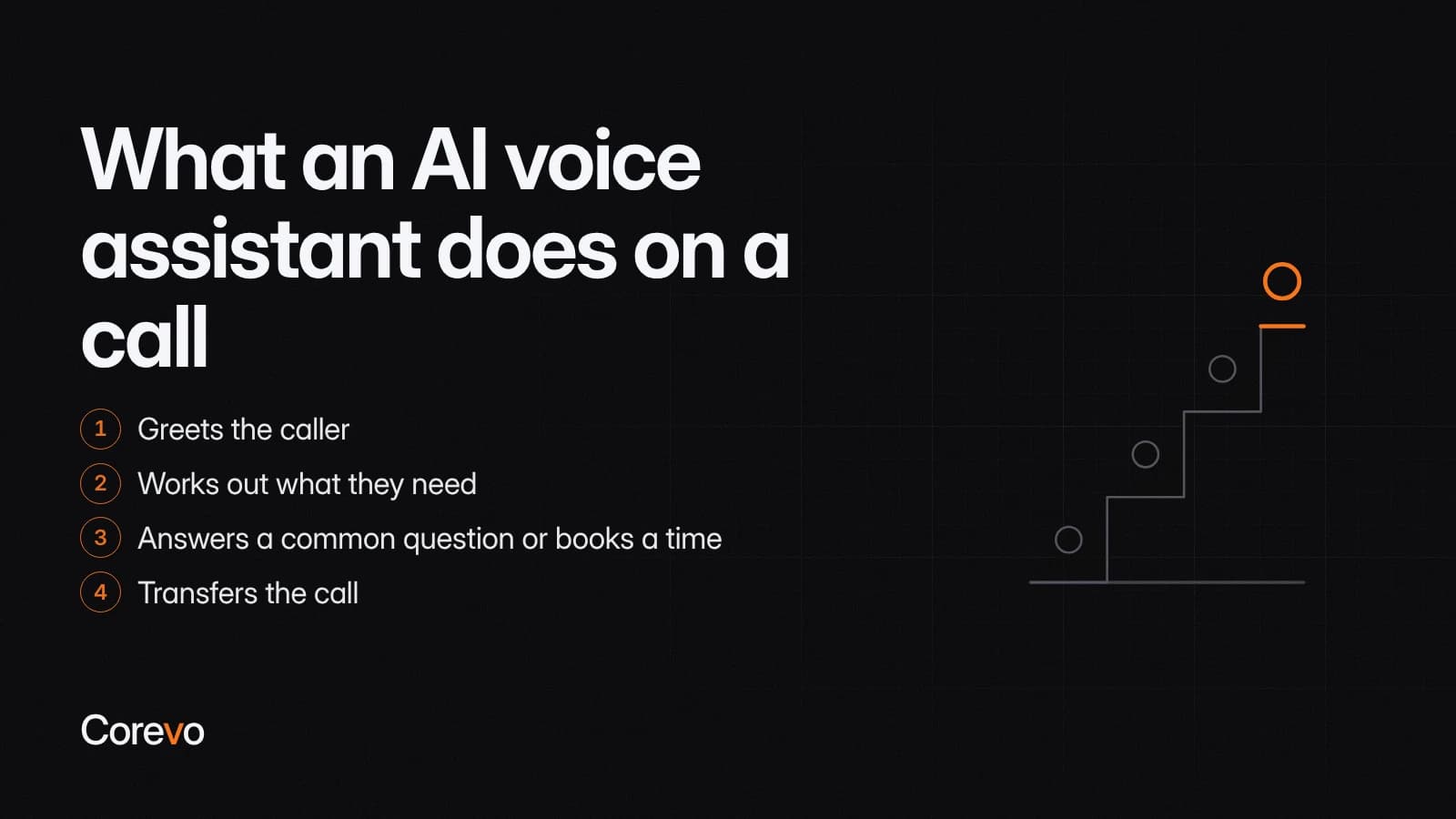
On a typical call it greets the caller, works out what they need, answers a common question or books a time, and transfers the call, or saves the caller's details and a summary of the call for your team, when the request falls outside its rules.
It answers from the instructions and business details you give it. It does not know your prices, your service area, or your Friday hours unless you add them, so tell it plainly not to guess and test that it follows that rule.
Inbound answering versus outbound calling
Most small businesses start with inbound answering: the assistant picks up the calls customers place to you. Outbound calling, where the assistant places calls for reminders or follow-ups, is a separate job with separate rules. This blueprint covers inbound answering, and the consent section below lists the questions to ask before any outbound calls.
Step 1: Give it what a new hire would get
A new employee does not answer the phone on day one without a briefing. Your assistant needs the same briefing, written down and kept current.
Hours, services and booking rules
Start with the facts callers ask about first: your business hours, holiday closures, the services you offer and the ones you do not, and the area you serve.
Then write your booking rules the way you would explain them to a new office manager. Which jobs can go straight into the calendar? How much time does each type of appointment need? Which requests need a person to review them before anything is promised?
Be specific. "We take emergency calls" is vague. An illustrative rule the assistant can follow: "Emergency calls are booked weekdays until 6 p.m. After that, take the caller's name, number and address, and send the details to the on-call technician."
Answers to the questions callers ask most
Pull the questions from real calls, not from guesses. Ask whoever answers your phone to list the questions they hear most in a normal week, and write a short, plain answer for each one. Common examples: how soon someone can come out, whether estimates are free, and where to park.
If the honest answer is "it depends," write down what it depends on and tell the assistant to hand that question to a person.
Who to reach when it cannot help
List the names, roles and contact routes for every handoff: who takes urgent jobs, who handles billing, and who covers when the owner is out. Include what the assistant should do when nobody is available, such as saving the caller's details for your team and promising a callback only within a time your team can actually keep.
Step 2: Decide what it hands to a person
The handoff rules matter more than the script. Callers will accept an assistant that says "let me get you to someone who can help." They will not accept one that keeps them in a loop.
In a 2026 Gartner survey of customers, 87% said access to a human agent is essential when companies use GenAI in customer service. It is about AI service in general, not voice assistants specifically, but the lesson carries over to the phone: always leave a clear path to a person.
Write down three kinds of rules:
- Transfer now: any caller who asks for a person, upset callers, emergencies, and anything that needs judgment or a licensed answer.
- Save details for a callback: billing disputes, complaints about past work, and requests outside your hours that are not urgent.
- Let it handle: hours, directions, service questions you have written answers for, and bookings that fit your rules.
For every transfer, decide what the assistant tells the caller before it connects them. Have it save the caller's name, number and reason for calling, and send your team a notification with those details, so they are in writing and the caller does not have to start from scratch. For every callback request, decide who gets the details and how quickly someone calls back.
Some calls should always stay with your staff: price negotiations, cancellations of large jobs, anything that calls for medical, legal or financial advice, and any caller who sounds confused or distressed.
Step 3: Recording, disclosure and consent basics
Start every call with a plain introduction. The assistant should say your business name, say that it is an AI assistant, and tell the caller how to reach a person.
Many AI phone assistants save a recording and a transcript of calls in the call log, so check whether yours does. If calls are recorded, turn on the recording announcement so it plays at the start of every call, before the conversation gets going.
This section is general information, not legal advice. Recording and AI calling rules differ by state, so bring these questions to your attorney or compliance advisor before you turn recording on:
- Do we need consent from one person on the call or from everyone, in our state and in the states our callers are in?
- What does our recording announcement need to say, and where in the call should it play?
- If we ever use the assistant to place calls, what consent do federal and state rules require for calls that use an AI-generated voice?
Step 4: Run ten test calls before customers hear it
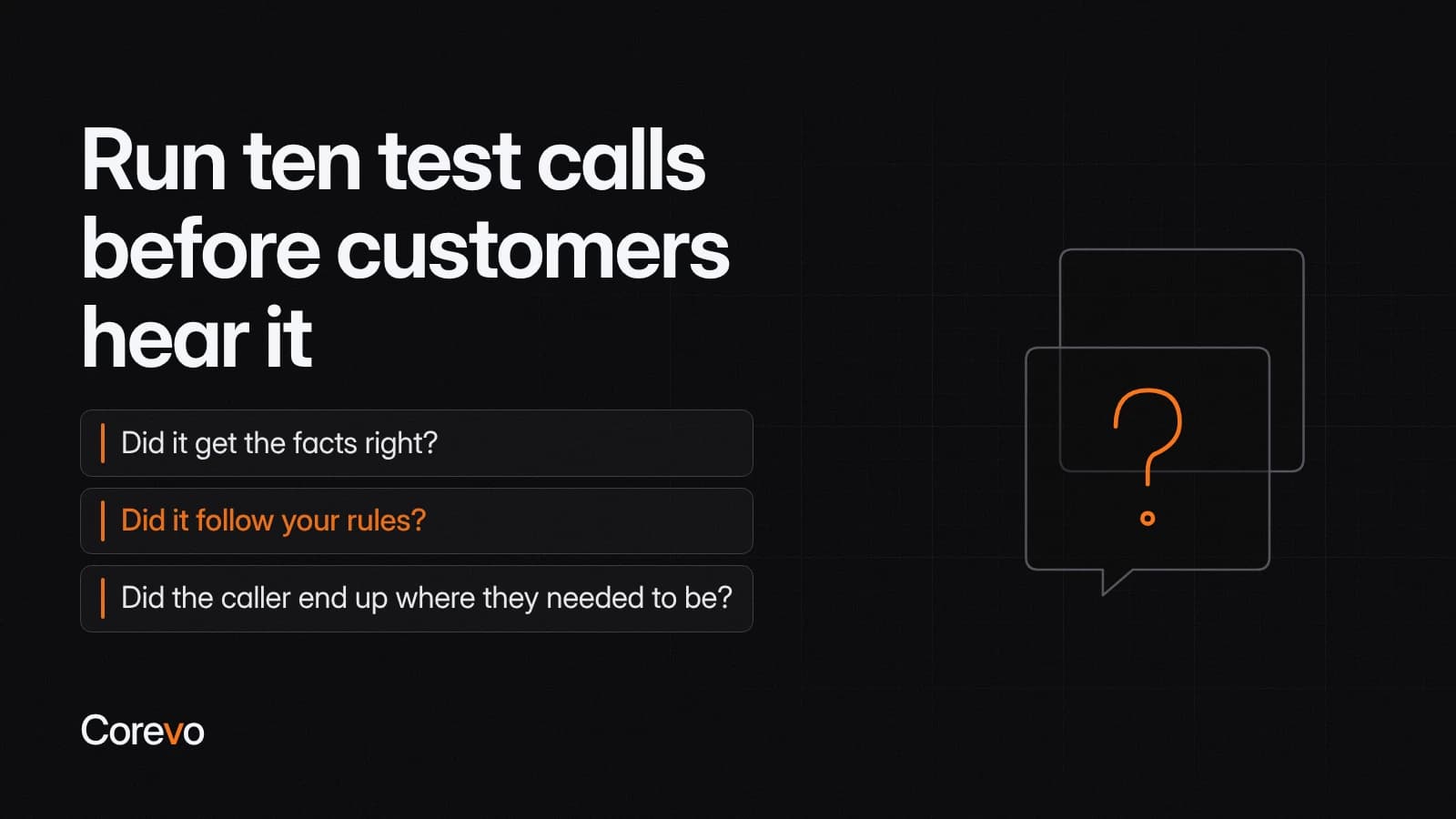
Before a single customer hears the assistant, call it yourself. Make real phone calls rather than browser test calls, because some systems skip transfers in browser tests. Use different phones, different voices, and a few people who have never seen the script. Score each call on three questions: did it get the facts right, did it follow your rules, and did the caller end up where they needed to be?
Here are ten test calls to run. The scripts are illustrative, so change the details to match your business.
- After hours booking: "My water heater is leaking. Can someone come out tomorrow morning?"
- An upset caller: "This is the third time I've called about the same problem."
- A question it cannot answer: "Can you match a quote I got from another company?"
- A transfer request: "Can I just talk to a real person?"
- A wrong number: "Is this the pharmacy?"
- A change of mind: a caller who switches the day halfway through booking.
- A bad line: a caller on speakerphone in a noisy truck.
- Tricky details: an unusual last name and only part of an address.
- Something you do not offer: a request for a service outside your list.
- A repeat customer: a caller asking to move an appointment they already have.
Write down what a good result sounds like for each call before you run it. If the assistant fails a call, fix the instructions and run that call again. Do not go live until all ten pass. This is also the fairest way to compare products: the best AI assistant for business owners is the one that passes your test calls, not the one with the longest feature list.
Step 5: Review the first week of calls
Go-live is the start of the job, not the end. Each day of the first week, read the call log and listen to a sample of calls. Check four things:
- Missed calls by hour: when are calls still slipping through, and does that match your busiest times?
- Transfers: which calls went to a person, and could clearer instructions have handled some of them?
- Wrong answers: anything the assistant said that was out of date, incomplete, or simply wrong.
- Dead ends: calls where the caller hung up partway through.
Fix the script the same day you find a problem.
Looking for virtual assistant AI examples to model your own review on? Here are three illustrative ones from a first week:
- A dental office hears callers keep asking about Saturday hours, so it adds a clear answer.
- A heating and cooling company sees that most after hours calls are about no heat, so it adds a rule that sends those calls straight to the on-call technician.
- A cleaning service finds jobs booked outside its service area, so it adds the towns it covers and a polite reply for everyone else.
After the first week, move to a weekly review. Keep a running list of script changes so everyone on your team knows what the assistant is telling callers.
Where Corevo CommandCenter fits
If you want an assistant like this connected to your calendar, your handoff list and your team's notifications, Corevo's onboarding team can configure and test those pieces in Corevo CommandCenter with you before customers hear it. Voice AI depends on your plan, so confirm it is included in yours.