A callback reminder system is built to turn missed calls, voicemails and promised callbacks into tasks with one owner and a due time, then alert someone if a task is still open when it's due. Not every call needs to become one. Spam, wrong numbers and calls your team or an AI assistant already resolved can be filtered out, so the task list stays about the calls that genuinely need a callback. In Corevo CommandCenter, workflows can create and assign these tasks, and the Conversations inbox and task list show your team who's still waiting on a call.
Forgotten customer callbacks rarely happen because people don't care. They happen because the request has nowhere to live. A voicemail sits on a desk phone, a sticky note falls behind a monitor, and everyone assumes someone else called back. Give every callback a home, a name and a deadline, and most of those gaps close.
This guide explains why callbacks slip, how to build the system step by step and how to make it part of your team's day. For more on calls that never get answered in the first place, see our guides on missed calls.
Why callbacks and voicemails slip through
Businesses forgetting to return voicemails tend to have the same handful of gaps:
- Messages live in too many places. Desk phone voicemail, the owner's cell, a shared email, a notepad. Nobody checks all of them on a schedule.
- Nobody owns it. "Someone will call them back" often means no one will. Shared responsibility is a common gap.
- There's no deadline. "Call back today" becomes "this week" when the day gets busy.
- Promises aren't recorded. "Let me check with the tech and call you back" is said on the phone and never written down.
- The first attempt doesn't connect. Someone calls back, gets voicemail and never tries again.
- Nothing escalates. When a callback is late, nobody finds out until the customer calls again, frustrated, or doesn't call at all.
Each of these is a process problem, not a people problem. That's good news, because process problems are fixable.
The rule: one owner, one task, one due time
A callback reminder system rests on one simple rule. Every callback gets:
- One owner. A specific person, not "the office."
- One task. Written down where the whole team can see it, linked to the customer's record.
- One due time. A real time, such as 3 p.m. today or 10 a.m. tomorrow.
Then add two safeguards. The task has to be visible in the place your team already works, and it has to escalate if it's missed. The steps below show how to set that up.
Pick a due-time standard your team can actually meet, day in and day out. One example: calls missed before 3 p.m. get a callback the same day, and later calls get one by 10 a.m. the next business day. A standard you hit consistently beats an ambitious one you miss on busy days.
What a good callback task looks like
The owner should be able to act on the task without hunting for context:
- Title: "Call back: customer's name, furnace question." Starting every title the same way makes the task list easy to scan.
- Owner: one person.
- Due: a specific day and time.
- Description: why they called, what they asked, anything that was promised and the best time to reach them.
- Record: attached to the contact, so the full conversation history is one click away.
Write the description so anyone on the team could make the call if the owner is out.
Step 1: Get every call into one system
You can't track calls you can't see. Routing your business calls through one system is what lets a missed call land on the caller's record automatically.
One common setup: the business gets a new number registered for texting, and the existing line forwards to it, so customers keep calling the number they already know while calls land in one place. Porting the current number is optional. This is a setup decision to confirm with your onboarding team, since not every plan or phone configuration works the same way.
Two habits close the remaining gaps. Ask staff to steer customers away from personal cell phones and toward the main line. And when a customer does call a cell, log it in the system before the end of the day.
Fewer voicemails also means fewer callbacks to track. Where a plan includes Voice AI, it can answer calls your team can't take, introduce itself as an AI assistant, answer common questions, book appointments, save the caller's details and log the call, so only the calls that truly need a person become callback tasks.
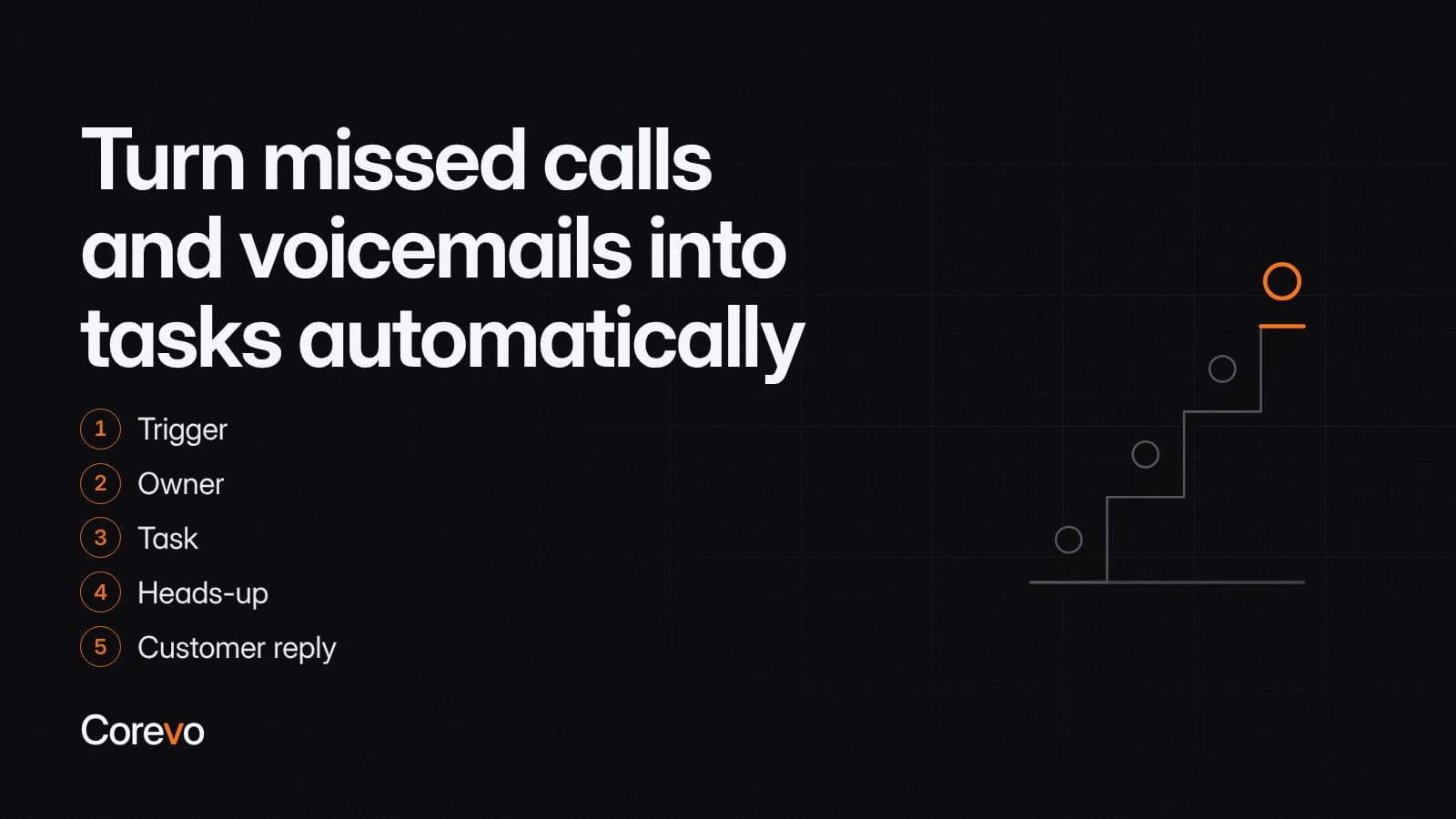
Step 2: Turn missed calls and voicemails into tasks automatically
This is where workflows do the remembering. A typical callback workflow:
- Trigger: A Call Details trigger can start the workflow when an incoming call ends as no-answer, busy or goes to voicemail, depending on how your phone system is set up.
- Owner: The Assign to User action can give the contact an owner if it doesn't have one, rotating between the team members you choose. Contacts that already have an owner keep them.
- Task: The Add Task action can create a callback task for the team member you choose, with a due date and time and an option to skip weekends. Alternatively, a Manual Call action can put the call in the Manual Actions queue in Conversations.
- Heads-up: An internal notification can tell the owner they have a new callback.
- Customer reply: A missed call text back step can let the caller know you saw the call, so they're not waiting in silence while the task works its way to an owner. The details of a good text back setup are their own topic; here the point is just that it closes the loop.
Build in exceptions, too. Spam and robocalls, numbers your team already recognizes as not worth a callback, and calls Voice AI or a staff member already resolved shouldn't turn into tasks. A workflow can filter those out based on the call outcome or contact details, and staff can mark a task as not needed with a short reason. Without that filter, the task list fills with noise and people start ignoring it, which defeats the point.
Now a missed call depends less on someone remembering to check voicemail.
Step 3: Capture the callbacks people promise
Not every callback starts with a missed call. Many start mid-conversation, with "let me find out and get back to you." These are some of the easiest forgotten customer callbacks to prevent, because the person making the promise is right there.
- Use a call disposition. After a call, staff can mark the outcome with a disposition such as Requested Callback. A workflow watching for that disposition can create the task automatically.
- Create the task before hanging up. From the contact record, it takes seconds to add a task with a due time.
- Treat texts and emails the same way. If a reply needs research, create a task rather than leaving the message unread as a reminder.
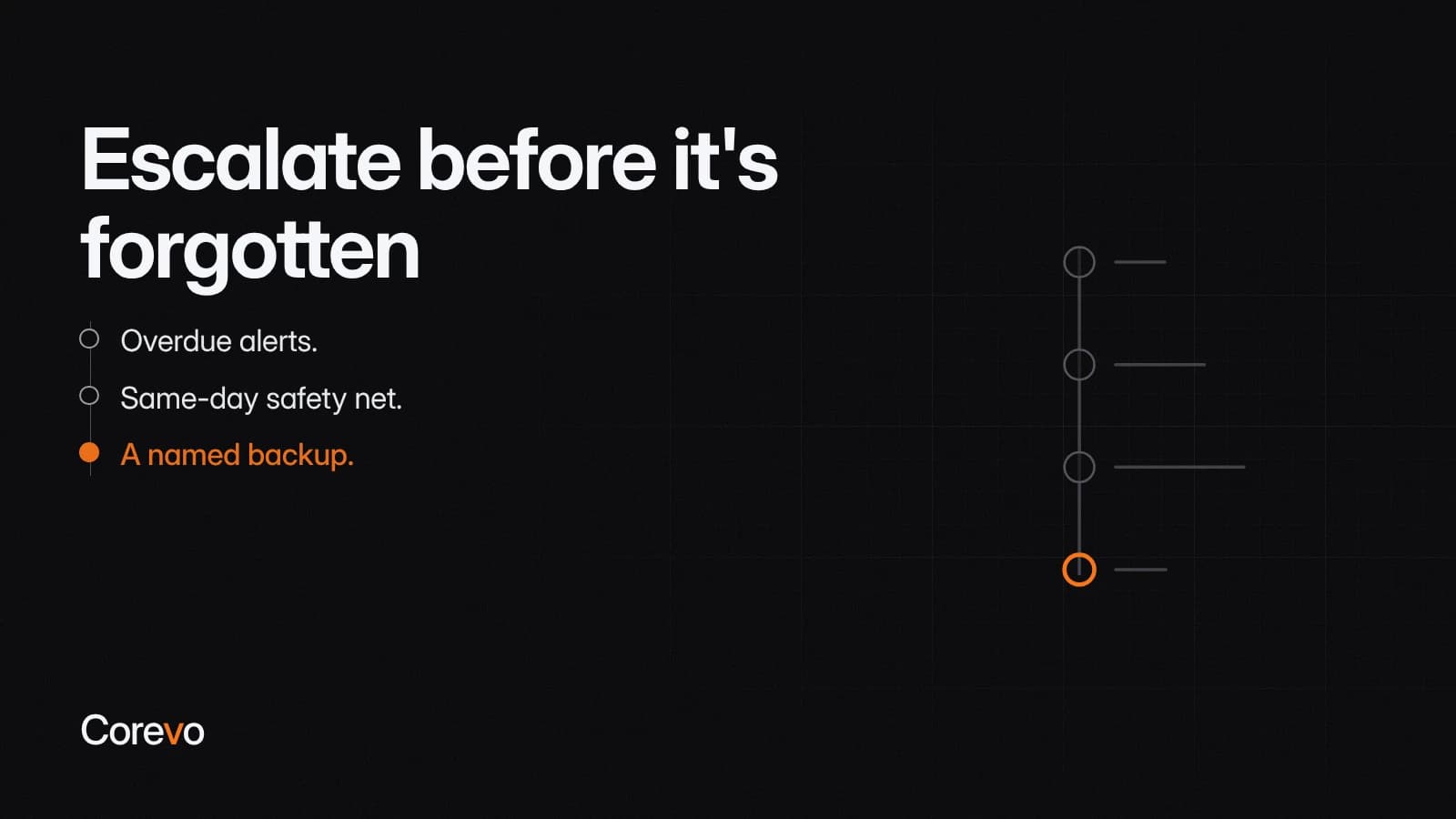
Step 4: Escalate before it's forgotten
A task without escalation is just a nicer sticky note. Build in a backstop:
- Overdue alerts. The Task Reminder trigger can start a workflow a set number of days after a task's due date. Pair it with a check that the task is still open, then notify a manager or reassign it.
- Same-day safety net. A Wait step can hold until a team member replies to the customer, with a timeout. If nobody has replied by text or email when the timeout ends, the workflow can alert someone.
- A named backup. Decide who covers callbacks when the owner is out sick, on vacation or on a job site all day.
Step 5: Make the inbox and task list part of the day
Automation creates the tasks. People still have to see them. A short routine keeps everything moving:
- Start of day: Open the task list, filter to tasks due today and overdue, and work them first.
- Midday: Check the Conversations inbox for unassigned conversations and anything assigned to you.
- End of day: Look for conversations where the last message came from the customer. That view catches customers who followed up and are still waiting on a reply; it won't catch someone who hasn't messaged back since you first missed them, so use it alongside the task list rather than instead of it. You can save and share conversation views, so the whole team can check the same list.
- Weekly: A manager reviews overdue tasks and asks what got in the way.
When the callback doesn't connect
Calling back once isn't the same as reaching the customer. Set a simple attempt pattern:
- First attempt: Call. If there's no answer, leave a short voicemail and send a text saying you tried.
- Second attempt: Later the same day or the next morning, at a different time of day.
- Third attempt: One more call, then a final text inviting them to reply or book online.
A disposition like No Answer can start a workflow that sends the text and creates the next attempt task, so nobody has to track the pattern by hand. After the third attempt, add a note to the record and close the task, so the next person who talks to the customer knows what happened. Teams that return missed calls reliably tend to treat each one this way, as a task with a deadline, not a memory they're trusting themselves to keep.
What to measure
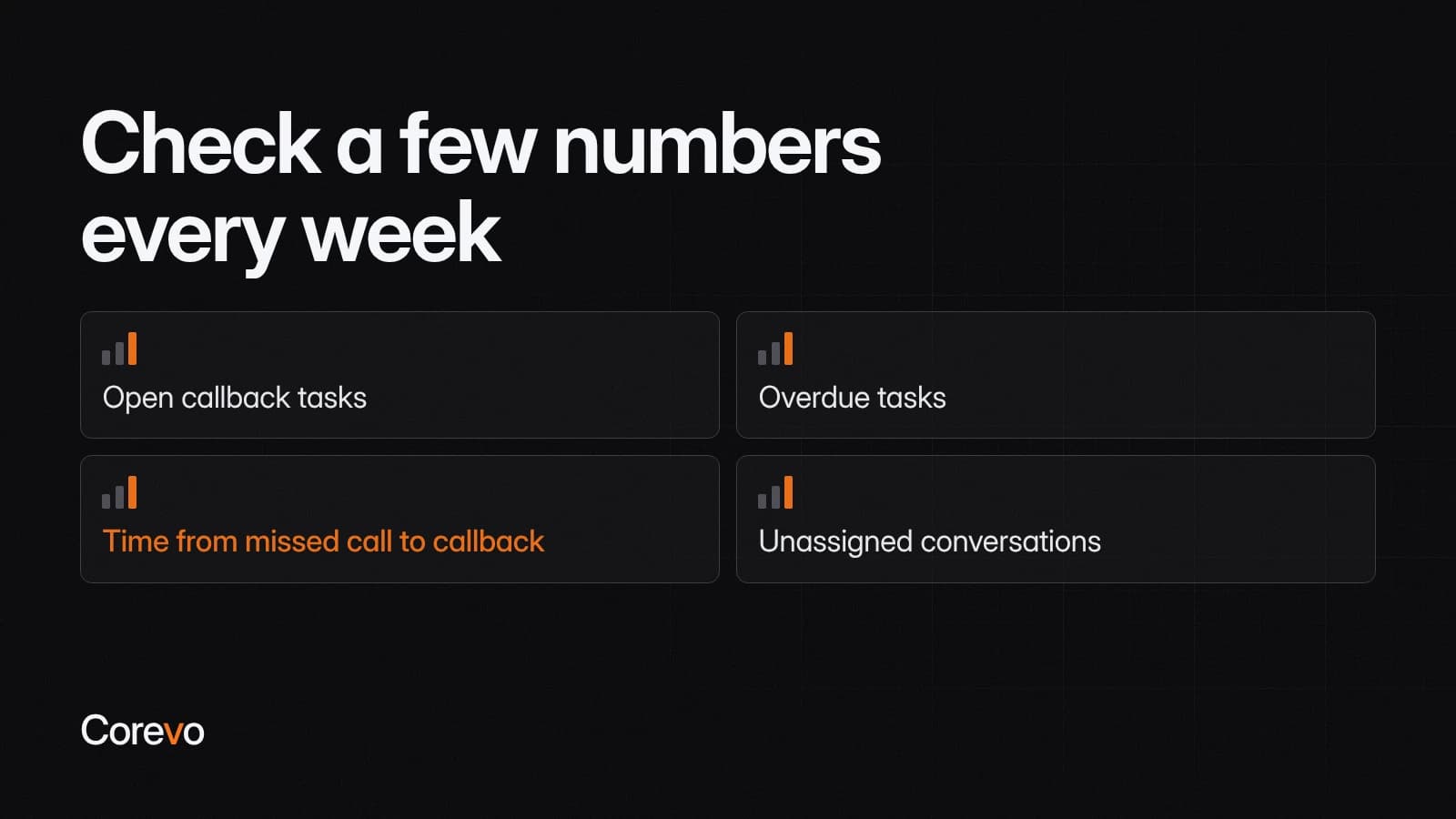
Check a few numbers every week:
- Open callback tasks at the end of each day.
- Overdue tasks, and who they belong to.
- Time from missed call to callback, using the task timestamps.
- Unassigned conversations left at the end of the day.
If overdue tasks keep piling up for one person, it's often a capacity problem, not a discipline problem. Rebalance the assignment rules.
If you want callback tasks, owners and escalation alerts built into Corevo CommandCenter, the onboarding team configures and tests those rules with you before any of it goes live.