Picture a dental office, call it Example Dental, sitting fourth on the map when someone searches "dentist near me" in their town, behind three practices with smaller teams and less experience. The office manager already knows the website works and the phones get answered. What's quietly dragging the practice down is less visible: a Google Business Profile with a generic category, hours that haven't been checked since last year, and no new reviews in four months. This is a hypothetical example, but the pattern is common.
That gap is fixable, and it's one of the more direct levers in local SEO for small business, because the profile feeds the map results people see when they search for a service nearby.
Google's own help documentation on how it ranks local results names three factors: relevance, distance, and prominence. Relevance is how well your profile matches what someone typed. Distance is how far your business is from the searcher or the area they searched. Prominence is how well known and well reviewed your business is, both on Google and across the web. You cannot control distance. You can influence relevance and prominence, and that is what the checklist below is built around.
No checklist, including this one, can promise a specific ranking. What it can do is remove the common reasons a good business gets outranked by a less complete profile.
What actually affects your Google Maps ranking
Google's help documentation on local ranking describes these three factors combining each time someone searches nearby businesses. Picture two plumbers answering the same Saturday night search: one is three miles from the caller with a single category and no recent reviews, the other is five miles out with accurate categories, listed service areas, and a steady flow of recent reviews. In this hypothetical, the second plumber can outrank the first, because prominence and relevance can outweigh pure distance. Google doesn't publish the exact weighting between the three factors, so treat this as illustrative, not a formula.
That is the practical reason to treat your profile as ongoing work rather than a form you fill out once. Complete, accurate details like categories and hours support relevance. Reviews and how well known your business is across the web feed prominence. Distance is Google doing the math on location, which is outside your control, but everything else on this list is not.
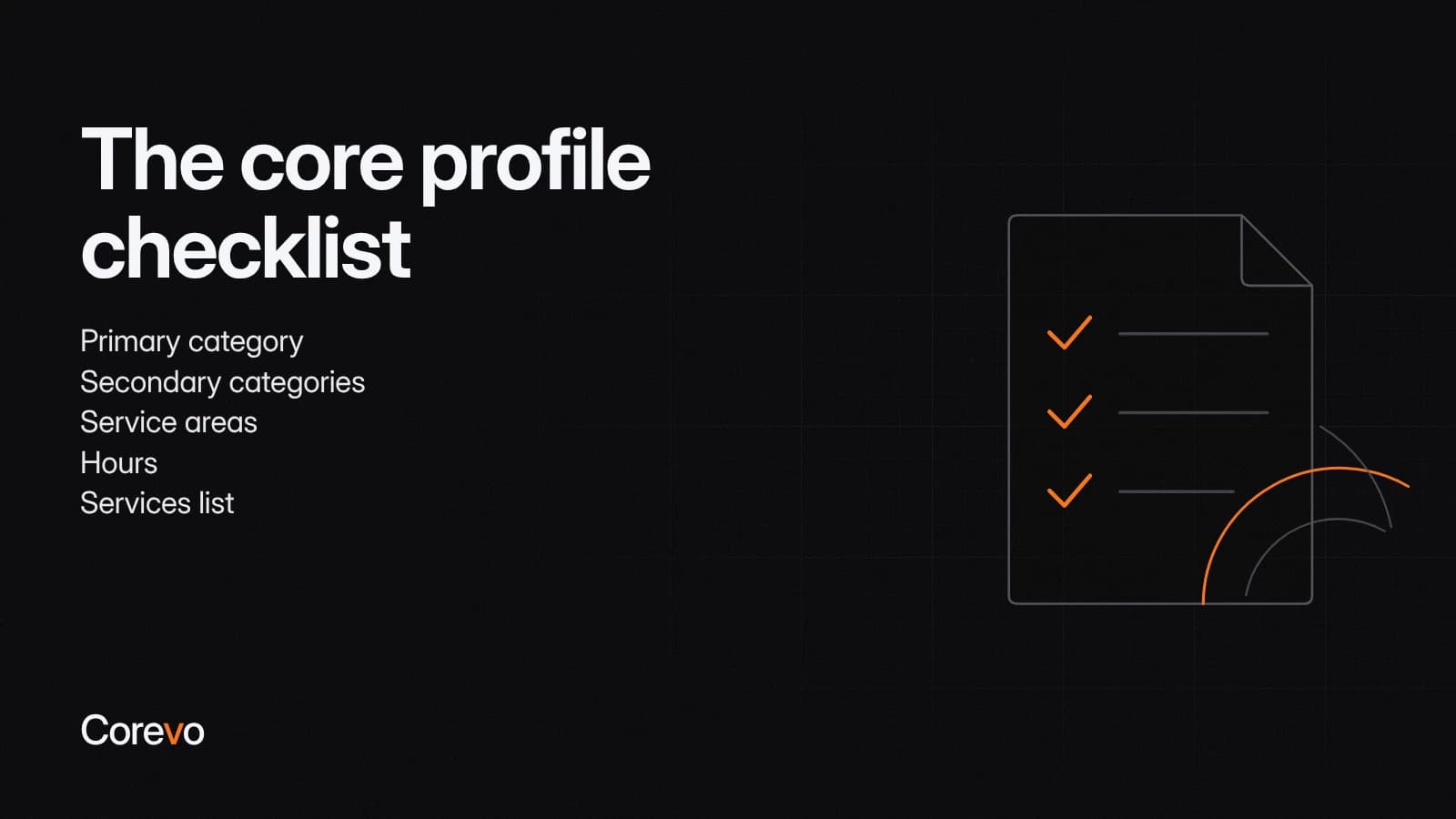
The core profile checklist
Work through these in order. Each one affects what Google shows searchers and how confident they feel clicking through.
- Primary category: Pick the category that most precisely describes the main service you provide, not the broadest one that technically fits. A "Dentist" should not be filed under "Medical Clinic" if a more specific option exists.
- Secondary categories: Add every category that genuinely applies, but skip ones that do not reflect services you actually offer. Padding categories to appear in more searches tends to hurt relevance rather than help it.
- Service areas: If you travel to customers rather than operate from a storefront customers visit, list the cities or regions you actually serve. If you do have a storefront, make sure the address is exact and the map pin sits on the correct building.
- Hours: Keep regular hours current and set special hours for holidays. A profile that shows "open" when a business is actually closed costs trust immediately, and it can also trigger confused searchers to flag the listing as permanently closed, which is a separate headache from any ranking effect.
- Services list: List the specific services you perform, with short descriptions where the field allows it. This is one of the more direct ways to improve relevance for the exact searches you want to win.
Photos and posts that keep the profile active
Photos do one job for certain: they help a searcher decide to click. Add real photos of the location, the team at work, finished jobs, and the storefront or vehicles if customers see them, and skip stock photography. Google hasn't published the specifics of how photo updates affect ranking, so treat fresh photos as something that supports trust and click-through, not a confirmed ranking lever on its own. Update photos periodically rather than uploading a batch once and never returning.
Posts are the short updates you can publish directly to your profile, similar to a social media update. Use them for seasonal offers, service reminders, or notable projects. Google hasn't confirmed that posts move your ranking directly, so treat them as a reason to log in and keep the profile active rather than a ranking shortcut. An abandoned-looking profile still reads as less trustworthy than an active one, which matters to the person deciding whether to call.
Questions and answers
Anyone can post a question on your profile, and anyone can answer it, including people with no connection to your business. Check this section regularly. Answer new questions yourself with accurate, specific information, and consider seeding a few of the questions customers actually ask, such as whether you offer emergency service or what areas you cover. An unanswered question sitting for months looks neglected to anyone who scrolls past it.
Reviews and replies
Reviews are one of the clearest prominence signals Google itself points to in its ranking documentation, and they're often among the first things people read before calling a local business. Google's own tips pair a steady flow of honest reviews with replies to them, so treat both as part of the same habit. A short, specific, professional reply to a negative review often does more for a prospective customer's confidence than the review itself did damage.
Some Corevo CommandCenter plans include a way to monitor new Google reviews and reply to them from one place, which can save the step of logging into Google separately to check. That doesn't change what actually makes a review strategy work: ask consistently, make it easy for customers to leave a review, and reply to what comes in.
Keep your name, address, and phone number consistent everywhere
Google cross-checks your business information against what it finds elsewhere on the web, including directories, your website, and any citations other sites have built over time. If your business name, address, or phone number differs between your profile, your website footer, and an old directory listing, that inconsistency can confuse customers, and Google hasn't published how much it weighs it, so it's worth fixing either way. Pick the exact way you want your name, address, and phone number written, then update every place it appears so they match.
Who answers the calls and messages your profile generates
A Google Business Profile can show a phone number people tap to call directly from search or Maps, and many profiles also support direct messaging from the listing. Both are real inquiries, not noise, and both deserve the same attention a phone ringing at the front desk would get. Decide who owns that inbox, check it on a predictable schedule, and treat a missed call or an unanswered message the same way you would treat a customer standing at the counter waiting to be helped. A profile that responds promptly builds the kind of reputation that tends to show up in reviews later.

How this fits into local SEO for small business over time
A complete, active Google Business Profile is not a one-time project. Categories and hours need occasional review, photos need refreshing, reviews need replies, and questions need answers. None of it replaces a website, but it works alongside one. If you are also building out pages and funnels meant to capture local search traffic, our insights on websites and funnels cover how that side of the work fits together with a strong profile.
Treat the profile as a living part of your marketing, check it on a schedule, and the pieces above compound. There is no shortcut around relevance, distance, and prominence, but there is a clear, controllable list of what you can do about two of the three.